Quick answer
Vape flavours Australia shoppers can browse 194 named flavour choices on Vapes ALIBARBAR Australia across ten parent devices for adults aged 18+ in Australia, with availability shown from Australian local stock. Begin with the parent model because the same flavour name can appear on different hardware. Then open the dedicated flavour URL to confirm its exact device, image, availability and current checkout options.
Start with the device, not only the flavour name
A flavour list becomes useful only when it stays attached to the correct device. “Grape Ice”, “Blueberry Mint” or “Watermelon Ice” may appear in more than one range, but that does not make the products interchangeable. The body, display, advertised puff count, controls and complete flavour menu belong to the parent model. For that reason, this guide treats each device family as the first decision and the flavour name as the second.
If you are still choosing hardware, begin in the complete Australian shop. It brings the ten parent products together so their current information can be compared in one place. Once a model fits what you are looking for, move into its series category and shortlist the names that appeal to you. This route is clearer than opening several identically named flavours and trying to work backwards from their images.
The distinction also matters for search. A parent product URL holds the shared device information and full selector. A dedicated flavour page identifies one named choice within that range. Keeping those roles separate makes it easier for both shoppers and search systems to understand exactly which product a page represents.
Browse vape flavours Australia across ten device ranges
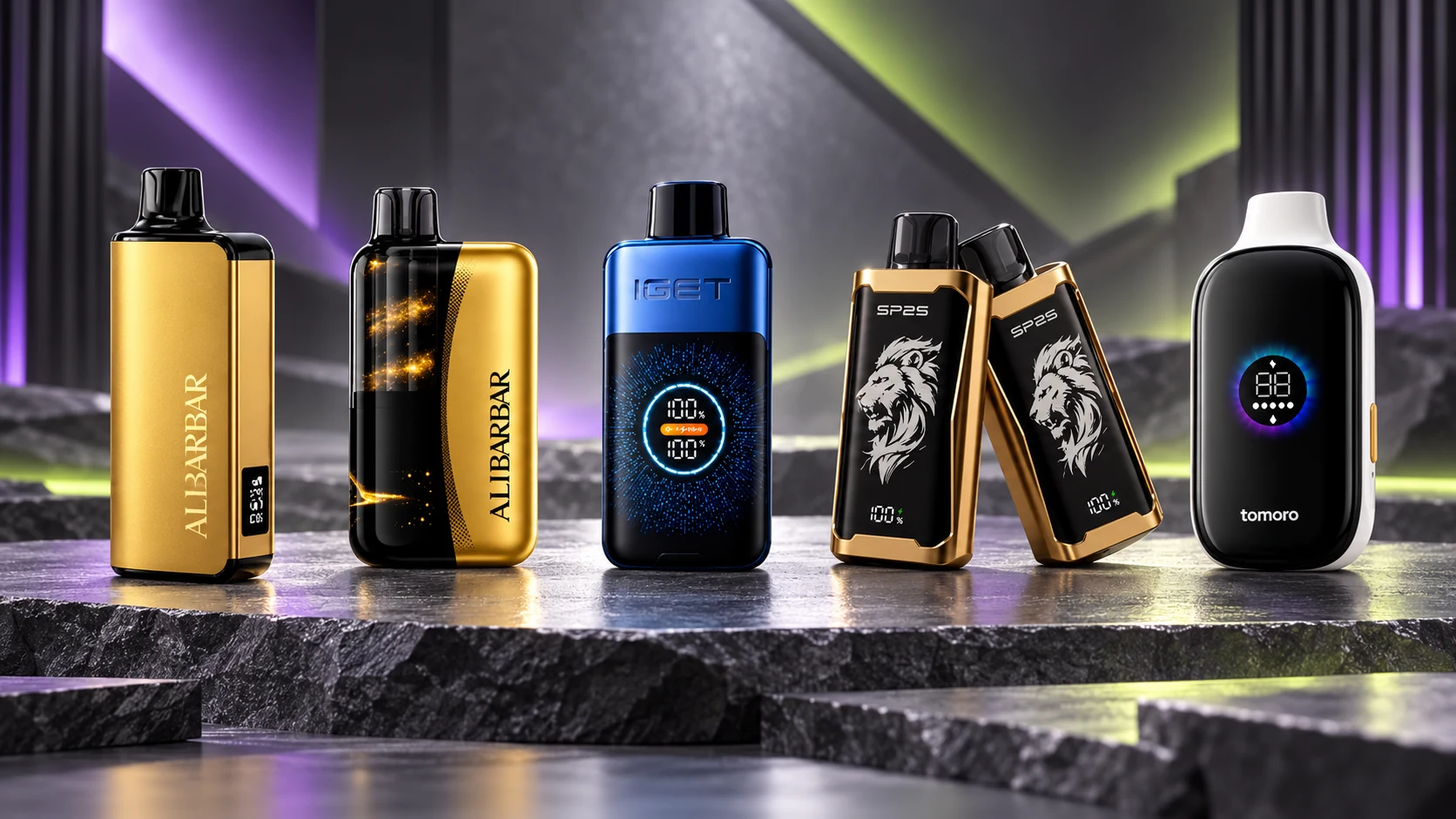
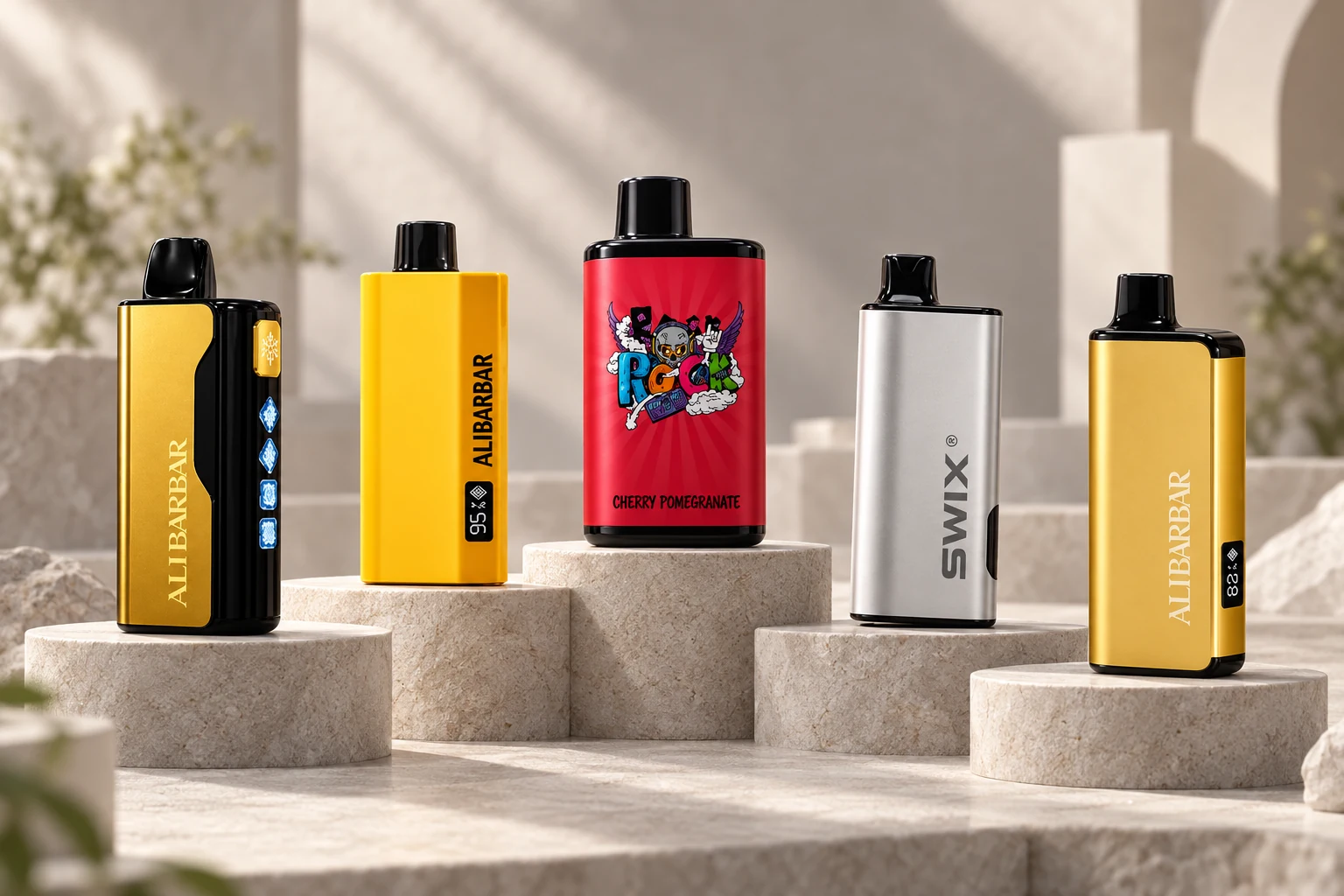
The catalogue currently groups its choices into six brands and ten device families. ALIBARBAR has four separate lines: ALIBARBAR 9000 flavours, ALIBARBAR 12000 flavours, ALIBARBAR TEQ 12000 flavours and ALIBARBAR Swirl 13000 flavours. Although two carry a 12000 label, TEQ 12000 is a distinct yellow-bodied device rather than the standard gold-and-black ALIBARBAR 12000.
IGET is divided into IGET Bar Pro 10000 and IGET One 12000. Their device shapes and flavour menus differ, so a choice found under One should not be assumed to exist under Bar Pro. The remaining ranges are SWIX 9000, SP2S 12000, LTD 9000 and TOMORO MAX 15000. For that range, the TOMORO MAX 15000 flavour guide compares its twelve listed names by cooling, strawberry, tropical and candy directions. The SP2S 12000 flavour guide helps narrow its 24 listed options before using the live selector.
These series pages are the fastest way to view the choices that actually belong together. They also preserve the route back to the parent device, where shared specifications and live purchasing controls can be checked without repeating the same hardware description on every flavour page.
Use flavour names as a shortlist, not a guarantee
Names can help you narrow a long list, but they are not laboratory specifications and they cannot guarantee that every person will describe a flavour in the same way. Fruit-led names usually identify the main fruit direction. Terms such as “Ice” or “Mint” signal that the product is positioned around a cooler profile. Multi-fruit names indicate the components used to present the blend, while drink- or candy-inspired names describe the theme chosen for that option.
A practical first pass is to divide the list into a few familiar families: berry, citrus, tropical fruit, melon, mint or cooling, drink-inspired and sweeter candy-style names. Remove the families you normally avoid, then compare only the remaining choices inside one device range. This turns a catalogue of 194 names into a manageable shortlist without pretending that a product name proves an exact formula or a universal sensory result.
When a name is unfamiliar, use the dedicated page to check its full spelling and matching image. Similar labels can refer to meaningfully different combinations—Blackberry Ice is not Blackberry Pomegranate Cherry, and Strawberry is not Strawberry Coconut Watermelon. Reading the whole title is more reliable than making a decision from the first fruit word.

Know when to use a parent page or a dedicated flavour page
Open a parent product when you want the common device information, the complete selector and the current buying controls. This is the right starting point when you know the model but have not selected a flavour. It is also the best place to confirm that you have not confused two similarly numbered devices, such as the standard ALIBARBAR 12000 and TEQ 12000, or IGET Bar Pro 10000 and IGET One 12000.
Open a dedicated flavour page when you already know the exact model and flavour spelling. That page should show the corresponding product image, identify the parent range and provide a direct route back to the device selector. Current price and stock should be taken from the live product controls rather than from fixed figures inside editorial copy, because catalogue conditions can change.
This parent-and-flavour structure is also useful when sharing a choice. A link to the parent product communicates the whole range; a dedicated URL communicates one exact selection. Using the correct link reduces the chance that a familiar flavour name is accidentally ordered on the wrong hardware.
A simple way to build your shortlist
- Select one parent device. Compare the hardware, current price and range size before thinking about individual flavour names.
- Open its series category. Work only within the list belonging to that device.
- Choose a flavour family. Berry, citrus, tropical, melon, mint/cooling and sweeter themes provide a useful first filter.
- Read every full name. Check secondary fruits and words such as Ice or Mint rather than relying on the first word.
- Confirm the dedicated URL. Match the device name, flavour title and product image before adding the item.
- Use live information. Check current availability, price, GST information and delivery eligibility on the product and checkout pages.
If you want a deeper brand-level comparison, continue to the ALIBARBAR flavours guide or the IGET flavours guide. Those articles narrow the catalogue further without mixing one brand’s device families with another.
Ordering and Australian delivery checks
For vape flavours Australia shoppers, current national regulatory information should be checked through the TGA Vaping Hub rather than inferred from a flavour name or product image.
Before checkout, confirm that the product title contains both the intended model and the complete flavour name. Product pages display current purchasing information, while the Shipping & Delivery page explains available fulfilment details, address requirements and tracking information. Vapes ALIBARBAR Australia is intended for adults aged 18+; age and order requirements remain applicable regardless of which flavour route brought you to the product.
Local stock does not mean that every named choice is permanently available. Stock can move unevenly between flavours in the same range, so the catalogue and checkout state should be treated as the current source rather than a static sentence in a guide. If a choice is unavailable, return to the same model category and select another listed option instead of switching devices unintentionally.
Questions about vape flavours in Australia
Does the same flavour name mean the same device?
No. A repeated name can appear under different parent models. Check the complete title and use the parent link to confirm the device before ordering.
Where should I check current price and availability?
Use the live product page and checkout controls. Editorial guides organise the choices but deliberately avoid fixed prices that may become outdated.
What is the quickest route if I already know the exact flavour?
Open the dedicated flavour URL, confirm the model and image, then follow its parent or shipping link if you need shared specifications or delivery information.
Leave a Reply